Why Did My Website Traffic Suddenly Drop? 15 Reasons & Fixes (2026)

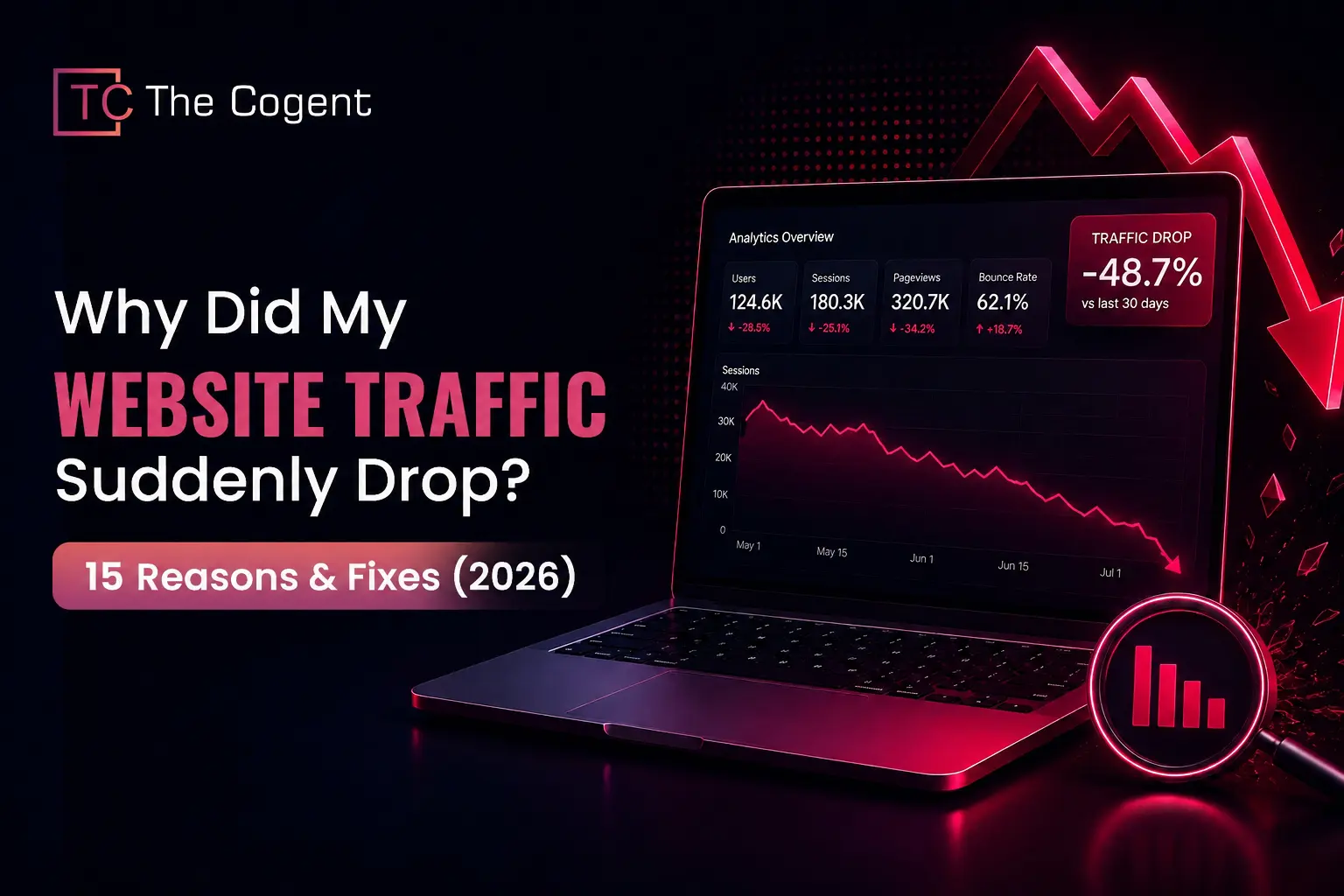
Why did website traffic drop suddenly, seemingly overnight? A sudden website traffic drop traces back to one of a handful of causes: an algorithm update, a tracking error, a misconfiguration or content that stopped matching what people search for. The recent traffic drop is the aftereffect of Google’s May 2026 Core Update, rolled out over roughly 12 days, which has affected the rankings of several sites.
To manage this condition, the correct step is to diagnose first, using Google Analytics and Search Console. When the cause isn’t obvious, the best digital marketing agency in Jaipur can run a full audit and find what is costing a site its rankings.
Why Did My Website Traffic Suddenly Drop?
A sudden drop in your website’s traffic may be caused by technical SEO issues, tracking errors, or Google algorithm updates. Here is a closer look at a few reasons that help you understand why a website’s traffic dropped suddenly:
Not Every Traffic Drop Is an SEO Problem
A declining graph is not always due to search rankings. Broken tracking codes, a paused email newsletter, expired ad campaigns, or even a school holiday may be the reason behind why your organic traffic is down.
Temporary vs Permanent Traffic Loss
A temporary traffic loss refers to a V-shape dip in the graph which is commonly caused by seasonality, server outage or software bugs. In contrast, a permanent traffic loss means an ongoing downward slide of a site’s ranking. It may be caused by content irrelevance with search intent or AI search displacement.
Organic Traffic Drop vs Total Website Traffic Drop
If your website’s traffic is down only in one channel like search engine or social media, it shows that organic traffic dropped for your content. If rankings in every channel (such as search, paid ads, social media, direct links and email) are dropped, it is a sign of a total website traffic drop.
Why Does Finding the Root Cause Matter Before Taking Action?
Identifying the root cause of website ranking drops is crucial because SEO fixes are highly specific. Finding the root cause of ranking drops also reduces the probability of recurrence of such issues.
A quick way to narrow things down: match what you’re seeing against the site traffic drop pattern below.
|
Traffic Pattern |
Possible Cause |
First Action |
| All channels dropped at once | Tracking broke, or the site itself is down | GA4 Realtime, then confirm the site loads |
| Only organic traffic dropped | Algorithm update, or pages got deindexed | Search Console Performance report |
| Decline happened slowly over weeks | Content’s aged out, or competitors caught up | Compare rankings against how old the content is |
| Just a few specific pages dropped | Something broke on those pages, or they no longer match intent | Go through each URL individually |
| Drop followed a site change | Migration, redirects, or a recent deploy | Check what changed, then recrawl |
How to Identify the Cause of a Website Traffic Drop?
Diagnosing a website traffic decline requires a specific sequence of checks instead of a single glance at one dashboard. Each source shows a different part of the picture, and working through them in order produces an accurate diagnosis.
1. Check Google Analytics 4
GA4’s Realtime report shows whether tracking is still active. If active users appear on the site at present but historical reports show zero, the tracking code requires attention before any further analysis. The Acquisition report then shows which channel (organic, direct, referral or paid) actually gained or lost visitors.
2. Review Google Search Console
Organic traffic drops are most commonly caused by one of a small set of factors: seasonality, increased competition, a change in average position, technical errors, brand reputation issues or AI Overviews absorbing clicks at the top of the results page. The Performance report is the most reliable place to trace which factor applies, since it separates ranking changes from click-through changes on the same query.
3. Identify Which Traffic Channel Dropped
A sitewide number hides the real story. Segmenting by channel in GA4’s User Acquisition report shows whether the drop is isolated to organic search or spread across direct and referral traffic as well.
4. Compare Before & After Performance
Compare the rankings on your website prior to and after the fall. Comparing the exact date of the fall in relation to the window periods when updates have occurred will show whether the dates coincide with an algorithm update or sitewide changes.
6. Check Recent Website or SEO Changes
A deploy log, CMS update history or plugin changelog often explains a drop faster than any analytics report. Redirect changes, canonical tag edits, and robots.txt updates are common triggers that only surface in Search Console once the next crawl runs.
7. Confirm Whether the Drop Is Sitewide or Page-Specific
Filtering the Search Console Performance report by page shows whether the loss is concentrated on a handful of URLs or spread across the entire site. A page-specific drop points to an issue on that page; a sitewide drop points to something structural.
Here’s a quick diagnostics checklist that can help you identify the real cause of why Google traffic dropped:
- GA4 Realtime report checked for active tracking
- GA4 Acquisition report reviewed by channel
- Search Console Performance report compared over 16 months
- Exact drop date identified and matched to update timelines
- Recent deploys, redirects or CMS changes reviewed
- Drop confirmed as sitewide or isolated to specific pages
15 Reasons Your Website Traffic Dropped Suddenly (With Fixes)
There are multiple reasons why website traffic dropped suddenly, and each of them leaves a distinct trace in the data. The following 15 causes are the most frequent reasons for website traffic drops:
1. Google Core Algorithm Update
A core update by Google re-evaluates content quality across the index. To identify website drops through this system-wide update, compare the drop date against Google’s update timeline on the Search Status Dashboard.
To fix website traffic drops from Google’s algorithm updates, review the affected pages against Google’s content quality questions and prioritise making changes on pages that have lost the most visibility. Results build gradually over weeks. A closer look at the Google Algorithm Update Recovery process is also helpful.
2. AI Overviews & Zero-Click Search
Website rankings can stay the same while clicks fall because an AI-generated answer is programmed to deliver search intent first. To identify reduced rankings on these channels, compare the site’s impressions against clicks in the Search Console. Verify by manually searching top queries for an AI Overview.
To recover from such a website traffic drop, re-optimisation of content is required through providing clear direct answers, structured data and E-E-A-T-compliant headings, so that the content can be pulled into AI answers. Content that meets customer intent, has comparisons and is decision-focused holds traffic better than simple definitions.
Also read Is SEO Dead? To know more about how AI searches words.
For a broader technical framework, read Complete Guide to Rank in AI Search.
3. Google Analytics Tracking Issues
Sometimes it may happen that traffic is never down. It has just stopped reporting on your dashboard. To confirm this, open GA4’s Realtime report. If you see zero historical charts of active users, it means the tracking system is broken.
The fix for this issue is simply to start in Google Tag Manager by confirming that the GA4 tag still fires. A recent deploy or consent banner can silently break it. Because of that, reviewing deploy history around the traffic-down date narrows the cause fast.
4. Google Search Console Indexing Problems
A website ranking dropped from Google’s index stops receiving impressions. To identify this, checking Page Indexing for a rise in “Crawled, not indexed” URLs is done. This issue is typically verified with the URL Inspection tool.
Fixing this issue depends on the given reason. Thin pages need real content improvements before resubmission. If there are crawl budget issues, it will require a cleaner sitemap and stronger internal links.
5. Robots.txt, Noindex or Canonical Errors
Enter yourdomain.com/robots.txt in a browser to determine whether there is any accidental Disallow directive in the robots.txt file. It prohibits crawlers from accessing the site. A URL inspection will help you determine the indexing of the affected page as well as the canonical URL detected by the system.
This issue needs to be fixed in two places. Firstly, robots.txt needs to be updated either using the CMS SEO plugin or uploading through FTP. Secondly, there will be a need to fix the page header and settings of the plugin.
6. Website Migration or Redirect Issues
A website migration and redirect issue means an error or improper configuration that occurs when moving a site to a new domain, host or structure. To confirm this issue, you need to check the traffic decline from the GA4 Acquisition report and the date of the migration launch. After that, the old URLs have to be crawled with tools like Screaming Frog to see which URLs give 404 and which have not been properly redirected. The proper fix for this issue is to map every old URL to its destination URL through redirect settings.
7. Server Downtime or Hosting Problems
An increased number of 5XX errors in the Crawl Stats report is usually the first sign that Google does not have access to the website. Thus, these data need to be checked against the hosting uptime log or an external uptime monitoring tool such as UptimeRobot.
Fixing this issue depends on what is the reason behind the problem. The reasons could be: the need for more server power, CDN misconfiguration or plugin errors.
8. Poor Core Web Vitals & Page Experience
Poor Core Web Vitals impact lowers a page’s search rankings because they signal slow loading and unstable visual elements. This drags down user satisfaction and pushes bounce rates up.
Solutions usually start from optimising images and browser caching, along with eliminating unnecessary code. Improving the speed of server response, using a CDN and specifying image dimensions to avoid layout shifts will help as well.
9. Content Decay & Outdated Information
Search engines tend to favour content that is new or up-to-date. As such, when the content is based on outdated data and has dead links, its authority will decrease. Along with that, the website ranking will fall because of reduced visibility.
This can be fixed by replacing old information with new information that is relevant to the present time. This should also be done by using keywords with higher search volumes that are naturally added in the content. Also read how website user experience impacts SEO to grasp deeper insights on what keeps readers engaged with content.
10. Search Intent Has Changed
Every visitor has a search intent, whether that’s information, a transaction or a specific page they’re after. When intent shifts and a page stops matching it, organic traffic drops and click-through rates tend to fall together.
Fixing this issue means checking the latest search results for target keywords. The next step is updating headings and content so the page answers what’s actually being asked.
11. Lost High-Quality Backlinks
Lost high-quality backlinks reduce a page’s authority and trustworthiness. This typically shows up as lower visibility and the website losing traffic on the affected pages.
Identify which backlinks disappeared using an SEO audit tool, then request reinstatement if the link was removed by mistake. If such links are not available, use other active quality backlinks. Rebuilding this authority also feeds directly into lead generation strategies, since referral traffic from strong backlinks often converts at a higher rate than cold organic clicks.
12. Competitors Have Better Content
Competitors with stronger content can outrank a page because search engines favour whichever result gives readers more value. Better competitors’ content is one of the main reasons why search traffic dropped on current pages. To manage such instances, search the target keywords and note which competing pages now rank higher, then compare word count, depth and updated data.
Close that specific gap instead of rewriting the whole page. Add some more valuable data which the competitor may not have and restructure the content to improve readability.
13. Weak Internal Linking & Website Structure
A weaker internal link makes it difficult for search engines to crawl a site and understand what the content is about. Because of that, the page authority gets affected and rankings usually drop along with it. These issues typically point to issues in the website structure.
To fix such issues, you have to make some changes to your website. The first change that needs to be made is adding internal links with descriptive anchor text. Second is building navigation that reflects how the content actually connects with the reader. For insights to improve internal linking and website structure, read more about Semantic SEO here.
14. Manual Actions or Website Security Issues
Malware, hacked content or spam on a site can affect rankings fast. Google doesn’t just penalise the affected pages. It flags the whole domain. This is often what shows up as traffic loss after a Google update. To recover from such decreased rankings, fix any violations Search Console names specifically, then improve security across your webpage.
15. Seasonal Search Demand & Market Trends
Compare the current rank drop against the same period a year earlier in GA4. Next, check Google Trends for the same pattern to rule out a website traffic decrease tied to the calendar.
Nothing on the site needs fixing in a genuinely seasonal case. The right response is planning content ahead of the next demand peak. You will also need to create a digital marketing strategy that properly addresses readers’ intent.
Each cause points to a specific report for identification and a specific tool or file for the fix. This makes the comparison table below directly usable for diagnosis.
|
Reason |
How to Identify |
Recommended Fix |
| Google Core Algorithm Update | Drop date matches a confirmed update window | This does not have a quick fix. Reviewing pages against Google’s quality standards and allowing several weeks tends to work better |
| AI Overviews & Zero-Click Search | Impressions hold steady while clicks fall | Content structured with clear answers gives an AI Overview a reason to cite the page, not just rank it |
| Google Analytics Tracking Issues | Real-time data works, historical data doesn’t | The cause is often a Google Tag Manager issue, so confirming the tag actually fired is a useful first step |
| Search Console Indexing Problems | The “Crawled, not indexed” count keeps rising | The reason given usually points to the fix. Thin content, for instance, tends to need rewriting before resubmission helps |
| Robots.txt, Noindex or Canonical Errors | A stray disallow rule or an incorrect canonical tag turns up | The fix itself is usually quick, though it is worth checking whether the same mistake reached other pages |
| Migration or Redirect Issues | Timing lines up with the migration date | Mapping every old URL individually tends to preserve far more ranking value than a single blanket redirect |
| Server Downtime or Hosting Problems | 5XX errors spike in the Crawl Stats report | Resolving the underlying issue matters, but setting up ongoing uptime monitoring afterwards matters just as much |
| Poor Core Web Vitals | Pages sit in the “Poor” bucket | Identifying which metric is failing helps first, since LCP, INP, and CLS each call for a different fix |
| Content Decay | A slow decline over months, not a sudden cliff | Updating with current data and examples tends to be the only approach that genuinely works |
| Search Intent Changed | Rankings hold steady while clicks don’t | The page is often still answering an earlier version of the question searchers are asking now |
| Lost High-Quality Backlinks | Missing when compared against an older snapshot | Requesting reinstatement is worth trying before assuming the link is permanently gone |
| Competitors Have Better Content | Another page has quietly taken the position | Matching the one specific advantage that page has tends to work better than reworking the entire page |
| Weak Internal Linking | Very few internal links point to the page | Linking in from the site’s strongest pages tends to help more than linking from wherever is convenient |
| Manual Actions or Security Issues | Appears in its own report, separate from Performance | Resolving the issue completely comes first, with the reconsideration request following once that’s done |
| Seasonal Search Demand | The same dip appears around the same month each year | Nothing here needs fixing. The quieter period is often better spent preparing for the next season |
Website Traffic Recovery Checklist
For a proper website traffic recovery, having a checklist of tasks to be done eases the whole process. Here’s what gets checked for proper website traffic recovery from the best digital marketing company in Jaipur:
- Google Analytics Verified
- Google Search Console Reviewed
- Tracking Code Working
- Index Coverage Checked
- Robots.txt Verified
- Noindex & Canonical Checked
- XML Sitemap Updated
- Core Web Vitals Improved
- Backlinks Audited
- Internal Linking Improved
- Content Updated
- Search Intent Reviewed
- Competitor Analysis Completed
When Should You Hire an SEO Expert?
Many causes in this guide can be diagnosed and fixed directly through Google Analytics and Search Console. In some situations, a broader, expert-led review is more effective.
Signs Your Website Needs Professional Help
If rankings recover briefly and then decline again, more than one cause is likely at play. When you cannot isolate the true source after reviewing the data, choose the best digital marketing agency for a structured audit.
Benefits of a Professional SEO Audit
A professional audit examines technical health alongside content quality and backlinks, since the relationship between these areas often reveals what a single-channel review misses. Competitor benchmarking shows where rival pages are gaining ground on shared terms. The importance of an SEO consultant for small businesses applies this same process at a scale suited to smaller budgets.
Why Technical SEO and Content Must Work Together?
A technically strong site still requires quality content to hold a visitor’s attention, and strong content cannot compensate for a site that loads slowly or performs poorly on mobile. Similarly, website User Experience (UX) determines whether a visitor stays on the page after arriving.
In addition to that, weighing the benefits of hiring a digital marketing company against your in-house capacity clarifies whether external support is the right next step.
Conclusion
A traffic drop usually has more than one cause stacked together: an update, a broken tag, a page that quietly stopped matching what people search for. Getting the diagnosis right matters more than rushing to fix something, since the wrong fix just burns time on a problem that was never there.
Once the actual cause is confirmed, recovery is mostly steady work over a few weeks. For personalised guidance to manage your website’s ranking, contact local experts like a digital marketing and website development company in Jaipur today.
Frequently Asked Questions
Your website traffic dropped overnight most likely because of an algorithm update, a tracking error, a technical issue like indexing, redirects or content that stopped matching what people search for.
Confirm the exact cause first in Google Analytics and Search Console. Next, verify your tracking data, audit technical site health and refresh outdated content.
You should check GA4’s Realtime report to rule out a tracking break. Next, check Search Console’s Performance report to compare before and after the drop date.
It can. Core updates re-evaluate content quality across the whole index, so a page can lose rankings even if nothing on it changed.
Often, yes. The ranking can stay exactly the same while clicks fall, because the AI answer satisfies the search before anyone reaches the page.
Depends on the cause. If SEO traffic is down due to a technical issue, fixes can show results in days. Content or algorithm-related recovery takes a few weeks.
Yes, especially high-authority ones. Losing them weakens how much Google trusts the page and it reduces the page’s ranking as well.
It does. Core Web Vitals are a direct ranking factor, so slow loading or shifting layouts can hold a page back.
Indexing and ranking aren’t the same thing. A page can stay indexed while content decays, a shift in search intent, or stronger competitors quietly pull its rankings down.
You should hire an SEO expert when the cause still isn’t clear after checking the data yourself or when rankings bounce back briefly and then drop again.